
Top 5 Transactional Email Services in 2026

By Shane Daly, Content Writer at Lead Scrape
Last updated
The top five transactional email services in 2026 are Mailtrap (best overall for deliverability and developer experience), Postmark (best for speed-focused teams), SendGrid (best all-in-one platform), Mailgun (best for advanced email routing), and Amazon SES (best for high-volume AWS users). Mailtrap takes the top spot because it keeps transactional and bulk sending on separate infrastructure, and its analytics and SDK coverage are good enough that most teams never need a second tool.
A password reset lands in spam. An order confirmation turns up ten minutes after the customer has already emailed support asking where it is. Nobody writes in to thank you when these emails work, so the first you hear about any of it is a support ticket, and how many of those you get depends mostly on whichever provider is doing the sending.
February 2024 moved the baseline. Gmail and Yahoo started enforcing authentication rules on bulk senders that month, so a platform that makes SPF, DKIM, and DMARC awkward to set up now costs you delivered mail on top of the lost morning in your DNS settings. I've compared five platforms below on price, delivery, developer tooling, and where each one falls down. For a broader look at how email fits into your B2B lead generation strategy, see our complete guide.
What Are Transactional Emails?
Transactional emails are automated messages triggered by a specific user action or system event. They include password resets, order confirmations, shipping notifications, account verification codes, and payment receipts. Marketing email goes out in bulk to a subscriber list. A transactional email has an audience of one, and that one person is already waiting for it.
Marketing mail gets filtered harder and, in most jurisdictions, needs explicit opt-in. Anything the recipient set off themselves gets a lighter touch. That leniency rides on your sending reputation, though, and reputation is a property of the whole stream rather than of one message. Push both types through the same infrastructure, let a campaign start collecting complaints, and your password resets inherit the damage.
What Should You Look for in a Transactional Email Provider?
The most important factors when evaluating a transactional email provider are inbox placement rate, delivery speed, API and SDK quality, analytics depth, email authentication support, scalability, customer support responsiveness, and compliance tooling.
- Deliverability: Whether the message reaches the inbox is the thing you're paying for. Dedicated IPs, automatic warmup, and reputation monitoring are what protect it. A shared pool is fine while your volume is small, and past that you want your own IP.
- Speed: Password resets and 2FA codes get a few seconds of goodwill before the user gives up and clicks the button again. Now you have two live codes and a support ticket. Ask what the average delivery time is and whether the provider will put an SLA behind it.
- Developer experience: Good docs, SDKs for the languages you actually use, and webhooks you can trust. A REST API that returns consistent, readable errors buys back a full day in your first week and more than that later.
- Analytics: Logs, delivery stats, bounce tracking, and spam scoring, ideally visible while a problem is still small. Thirty days of log retention is a reasonable floor.
- Authentication: SPF, DKIM, and DMARC stopped being optional after the 2024 Gmail and Yahoo changes. The provider should walk you through the DNS records and then verify them, so you aren't left guessing whether it worked.
- Scalability: Sending 500 emails a day is a different engineering problem from sending 500,000. Check how the platform handles that jump: automatic scaling, rate limit controls, and a pricing table where the next tier up doesn't double your bill.
- Support: Delivery has a habit of breaking at 2 AM on a Sunday. Check the support hours, the response time commitment, and who handles escalations.
- Compliance: Suppression lists, unsubscribe handling, and GDPR-ready data processing are all things you'd otherwise build yourself. Some platforms handle bounce processing and feedback loop registration too, and that's a week of work you don't have to do.
1. Mailtrap: Best Overall for Deliverability
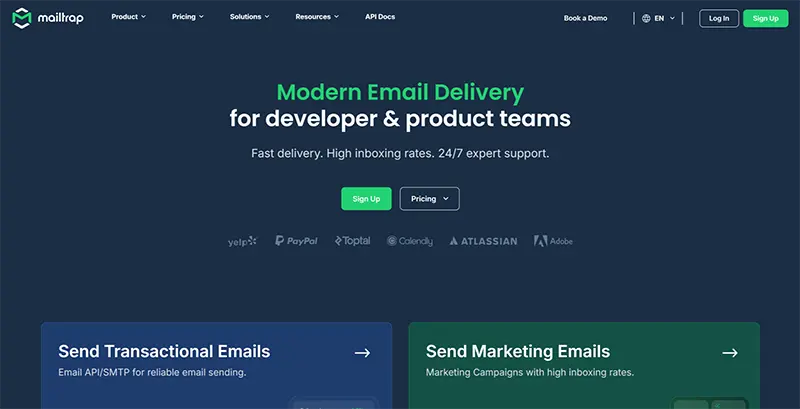
Mailtrap is a transactional email platform aimed at developer and product teams. You get a REST API and SMTP, separate sending infrastructure for transactional and marketing mail, a live analytics dashboard, and SDKs for PHP, Python, Node.js, Ruby, and Java.
Key strengths
Mailtrap runs transactional and bulk email on separate infrastructure, so a marketing campaign that collects spam complaints can't drag your password resets down with it.
The dashboard shows delivery, click, open, and bounce rates plus spam scoring, updating live. Log retention runs 3 days on the free plan, 30 on Enterprise. Dedicated IPs come with the paid plans and warm up automatically, ramping volume gradually so inbox providers watch you grow into the traffic instead of turning up at full tilt on day one. Webhooks fire on deliveries, bounces, and complaints, so your app reacts to a hard bounce the moment it lands and you aren't reading about it in next week's report.
Mailtrap's website lists PayPal, Adobe, and Atlassian among its customers. Business and Enterprise plans get 24/7 support with engineers on escalations. Below that it's weekday email.
Limitations
The community is small next to SendGrid's. SendGrid has had years of head start and Twilio's developer network behind it, so it wins on third-party integrations and community plugins by a distance. Mailtrap also spent most of its life as an email testing tool and only later became a sending service, so when something breaks at an odd hour you'll turn up a lot less on Stack Overflow.
Pricing
The free plan covers 4,000 emails a month, capped at 150 a day. Paid plans open at $15 a month for 10,000 emails and scale on a volume slider rather than forced tier jumps. Dedicated IPs and priority support sit on the higher plans. Check the Mailtrap pricing page for current rates.
2. Postmark: Best for Speed-First Teams
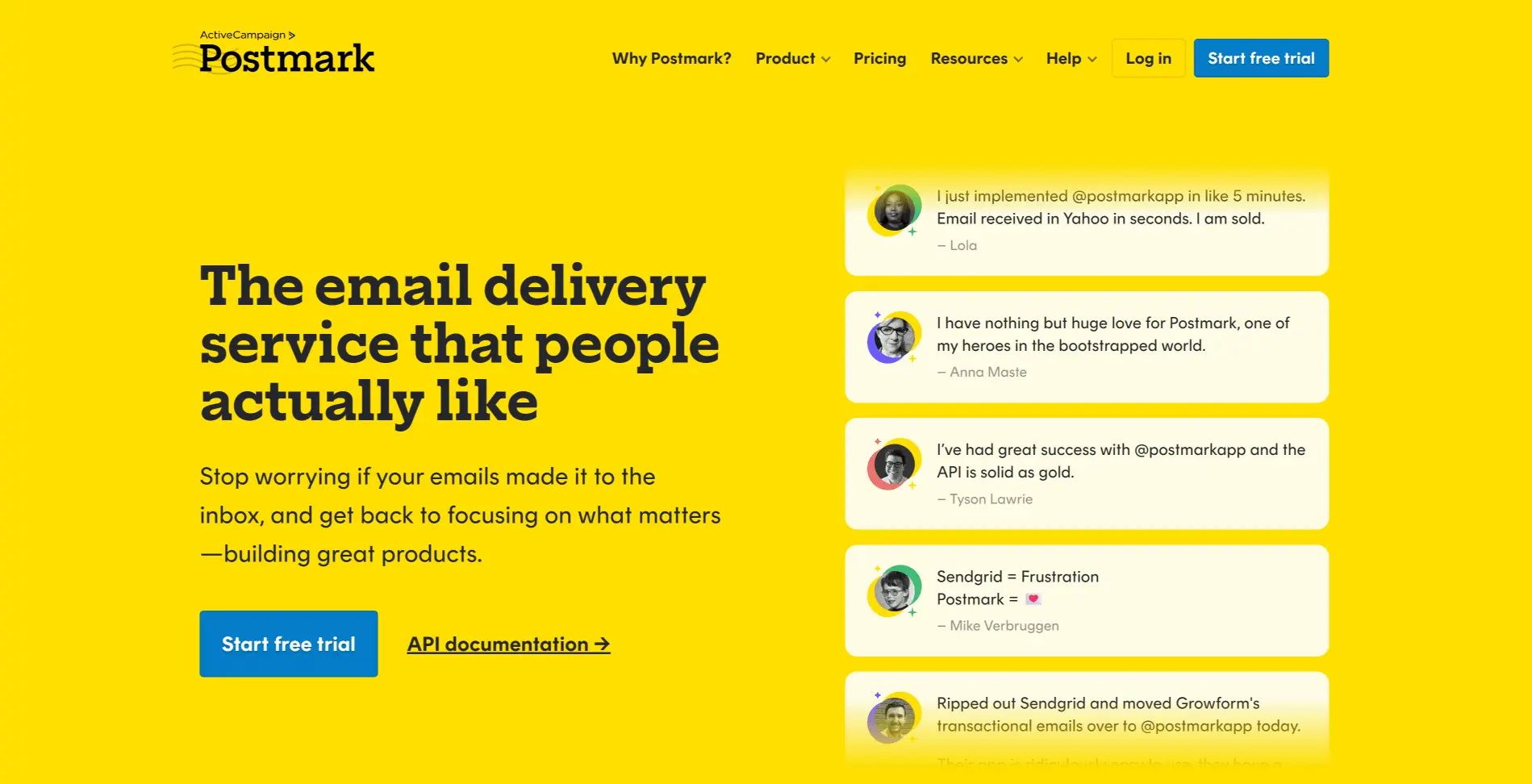
Postmark built its entire business around transactional email speed and reliability. The platform deliberately excludes marketing email features to protect deliverability for receipts, notifications, and account alerts.
Key strengths
Postmark refuses bulk marketing sends, so there is nothing on the network capable of dirtying the IP reputation in the first place. Most messages land in under five seconds. Those numbers go up on a public page as well, which almost nobody else here does.
Message streams split your transactional mail into separate channels for receipts, alerts, and confirmations, each with its own tracking and reputation. There's a DMARC monitoring add-on from $14 a month per domain that sends digest reports, so you can watch authentication compliance without buying a second tool for it. The docs are good, with integration guides for most major languages and frameworks. Logs are kept for 45 days.
Limitations
The free tier stops at 100 emails a month. That's enough to build against, and that's it. If you also send marketing email you're running a second provider, so that's another bill and another integration to look after. The narrow focus shows in the feature list: no campaign template builder, no contact management, and A/B testing isn't part of it either.
Pricing
The free developer plan gives you 100 emails a month and never expires. Paid plans start at $15 a month for 10,000 emails. Dedicated IPs are an add-on from $50 a month per IP, on the Pro plan or higher, with a 300,000-email monthly minimum. Pricing is volume-based and easy to read, without the feature gates some competitors bury in their tier tables.
3. SendGrid: Best All-in-One Platform
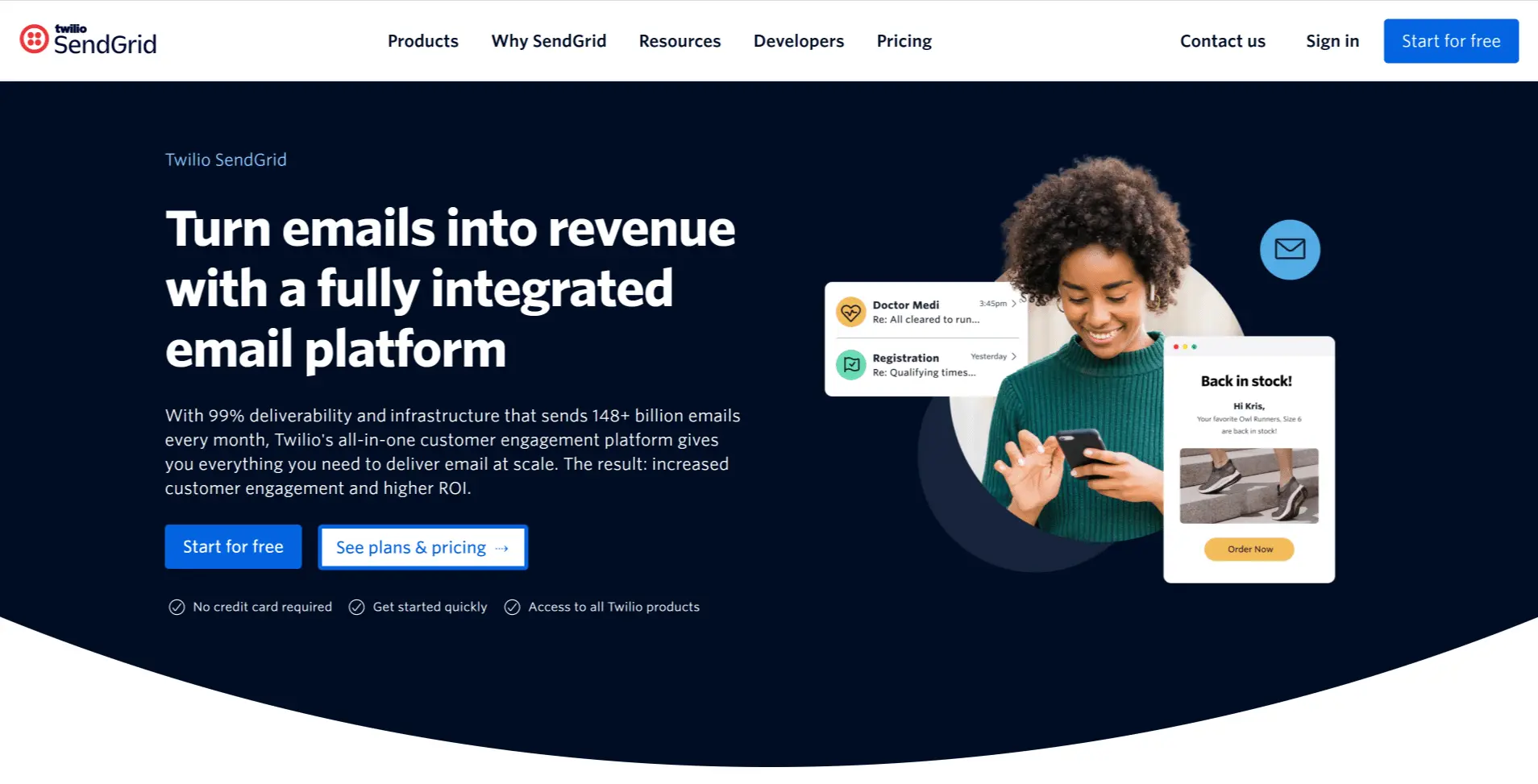
SendGrid, owned by Twilio, runs transactional and marketing email on one platform. Alongside the sending API you get dynamic templates, A/B testing, contact management, email validation, and analytics that cover most of what you would want to know.
Key strengths
One bill and one integration instead of two of each. For a team sending both transactional and marketing mail, that alone is worth something. The community is large and the documentation goes deep, so whatever strange thing you hit at 11pm, somebody has already hit it and written it up. Dynamic templates use Handlebars, so layouts are reusable with variables dropped in. The email validation API is an add-on and cleans lists before you send to them.
The free tier is only 100 emails a day, which at least lets you test the API without handing over a card. And with Twilio behind it, this isn't a service that quietly disappears in eighteen months.
Limitations
On the lower plans you're sharing IP pools with senders whose habits you can't see, and deliverability moves around accordingly. The dashboard has picked up a decade of features and feels it, especially if all you want is to send receipts. Support is tiered with the plan. The free tier is ticket-only, chat comes with Essentials, and phone support starts at Pro.
Pricing
You get 100 emails a day free. Paid plans open around $20 a month and climb with volume and feature tier. Dedicated IPs and email validation both mean a higher plan or an add-on. Review the SendGrid pricing page for current details.
4. Mailgun: Best for Advanced Routing
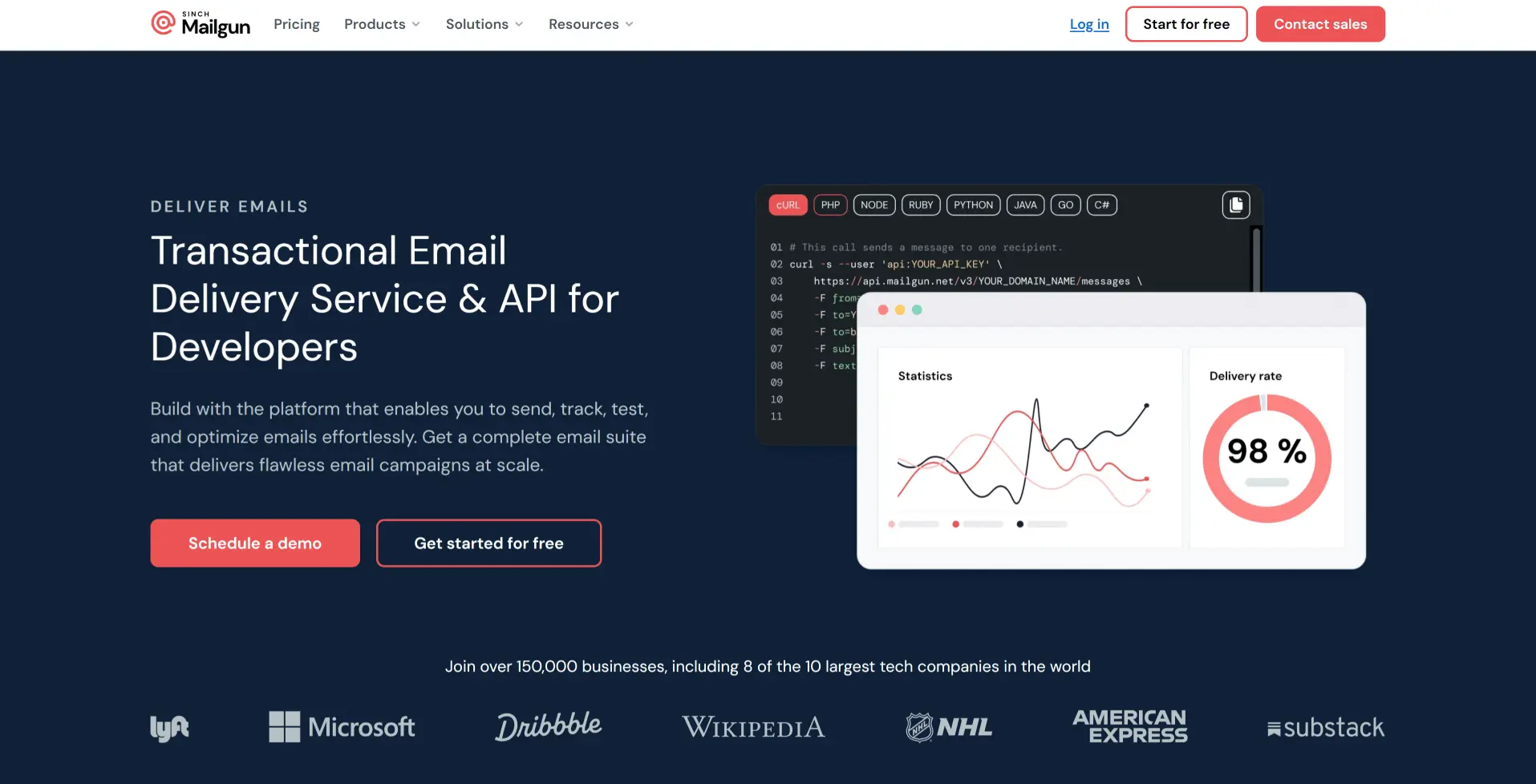
Mailgun (owned by Sinch) is an email API for developers who need granular control over message routing. Its routing rules send inbound and outbound mail down different processing paths based on criteria you define.
Key strengths
You write rules that filter, forward, and rewrite mail based on headers, recipients, or whatever logic you need. Support ticket systems and automated workflows are built on that, and so is anything else where your app has to read incoming mail as well as send it.
The email validation API catches dead addresses before you send to them and keeps your bounce rate down. There are US and EU data centers, so European senders have a straightforward GDPR answer. Documentation is solid, and transactional and marketing mail run on the same infrastructure.
Limitations
Setup takes longer than with Mailtrap or Postmark. The options are powerful and they assume you know what you're doing with them. Shared infrastructure means your deliverability moves with the rest of the pool, and priority support is a paid upgrade, so on Basic you sit in the standard ticket queue. The permanent free tier gives you 100 emails a day. You won't run a product on that.
Pricing
The free tier is 100 emails a day and doesn't expire. Basic starts at $15 a month for 10,000 emails, and Foundation is $35 a month for 50,000. Dedicated IPs, deeper analytics, and priority support live on the tiers above that.
5. Amazon SES: Best for High-Volume AWS Users
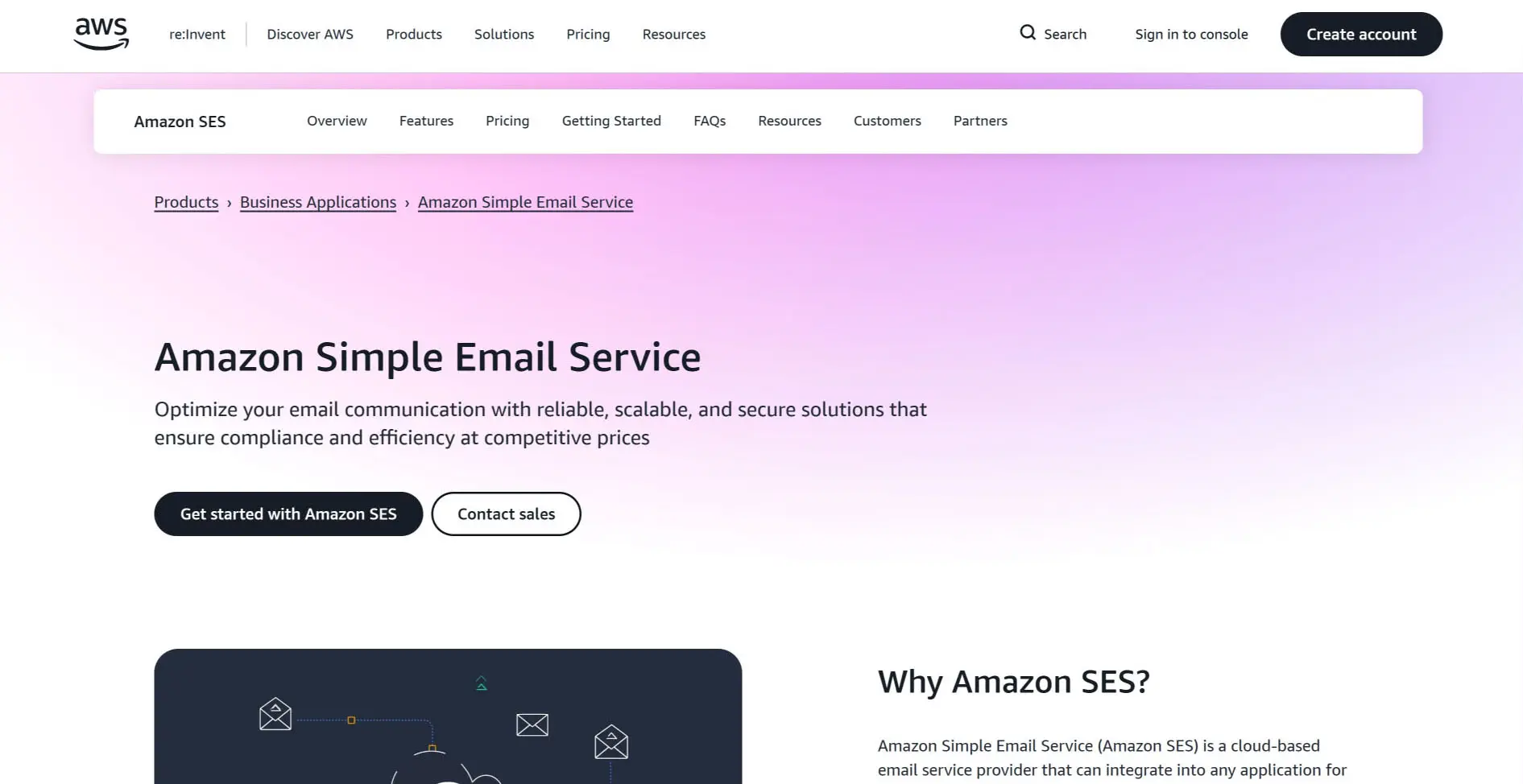
Amazon SES (Simple Email Service) is the cheapest option here by a wide margin, at $0.10 per 1,000 emails. If your stack already lives on AWS, it plugs straight into CloudWatch, SNS, Lambda, and the rest.
Key strengths
A million transactional emails a month costs about $100 here. Most competitors would want ten times that for the same volume. If you're already on AWS the plumbing is familiar: SNS carries bounce and complaint notifications, Lambda processes delivery events, and monitoring goes through CloudWatch.
Configuration sets let you apply different sending rules to different kinds of email. IP pools, event destinations, and tracking settings all vary per set, so you don't end up running a separate account for each type of mail you send. The Virtual Deliverability Manager is a newer addition that puts deliverability data and fix suggestions in the console, which spares you building at least that one dashboard yourself.
Limitations
You start in sandbox mode, sending only to addresses you've verified. Getting out means filing a request with AWS support and waiting, sometimes for days. There's no analytics dashboard in the sense that Mailtrap or Postmark have one. You build it yourself out of CloudWatch metrics and SNS event streams, and it's the same story for bounce handling, complaint processing, and suppression lists. The docs are thorough but written for people who already speak AWS, so budget for the learning curve on top of the build.
Pricing
$0.10 per 1,000 emails, no minimum commitment. Dedicated IPs are extra, with standard ones from $24.95 a month per IP. The AWS free tier covers 3,000 messages a month for your first 12 months. At high volume the gap between this and everything else on the list is wide enough that the extra build work usually pays for itself inside a year.
Side-by-Side Comparison
Prices and feature availability move around, so check the provider's own site before you commit to anything.
| Feature | Mailtrap | Postmark | SendGrid | Mailgun | Amazon SES |
|---|---|---|---|---|---|
| Free tier | 4,000 emails/mo | 100 emails/mo | 100 emails/day | 100 emails/day | 3,000/mo (12 months) |
| Starting price | $15/mo | $15/mo | ~$20/mo | $15/mo | $0.10 per 1,000 |
| API | REST | REST | REST | REST | REST + AWS SDK |
| SMTP | Yes | Yes | Yes | Yes | Yes |
| Dedicated IP | Paid plans | Add-on | Higher plans | Higher plans | Add-on |
| Marketing email | Separate streams | No | Yes | Yes | Yes |
| Setup difficulty | Low | Low | Medium | Medium | High |
How to Choose the Right Transactional Email Service
Volume usually decides this. After that it comes down to whether you need marketing email from the same platform, and whether anyone on your team wants to own the setup.
Choose Mailtrap if you want good deliverability, separated sending streams, real analytics, and SDKs that don't fight you. For most product teams this is the least regrettable pick, and you'll be sending live mail the same day you sign up.
Choose Postmark if you send transactional mail only and speed is the thing you'd defend in a meeting. Nothing bulk touches the network, so the reputation stays clean, and the public delivery stats let you check that yourself. You will need something else for marketing.
Go with SendGrid if you want both kinds of email in one place. The community and the Twilio backing mean stability and an integration for nearly everything. Budget for a higher tier from the start if consistent deliverability matters, because the shared pools on the cheap plans will occasionally embarrass you.
Choose Mailgun if you need inbound routing or custom message processing. Nothing else here handles that as well. Just be honest with yourself about whether anyone on your team will still want to own that configuration a year from now. If you're also building tools that need email discovery and verification, Mailgun's validation API pairs well with the sending side.
Amazon SES is the answer if you're already on AWS, you send a lot, and you have engineers who can build the monitoring, bounce handling, and analytics that other providers include. The per-email price is unbeatable. You pay for it in developer time instead, several weeks of it before you have parity with what Postmark hands you at signup. And remember that a working sales pipeline depends on welcome sequences, onboarding messages, and purchase confirmations actually landing, so count the delivery risk against the savings before you commit.
One bias worth declaring before you act on any of this. I weight setup friction and the quality of a provider's authentication checker heavily, and that's most of why SES sits last despite being cheaper than everything above it by an order of magnitude. If you already have someone who knows AWS, discount that ranking. The $0.10 per 1,000 becomes the only number that matters and the build work stops being much of an objection.
What Are the Best Practices for Transactional Email Delivery?
These seven habits do more for your inbox placement than the choice between any two providers on this list.
- Configure authentication correctly: SPF, DKIM, and DMARC records on every sending domain, then validate them with your provider's checker or a third-party one. Since the 2024 Gmail and Yahoo changes, broken authentication is the most common reason a transactional email ends up in spam, and it's also the easiest to fix. For more on this in an outreach context, see our cold email lead generation guide.
- Separate transactional and marketing email: Different domains, or at minimum different subdomains. A campaign that annoys people should never be able to stop a customer getting their password reset.
- Process bounces immediately: One hard bounce, one removal. Repeated sends to dead addresses damage your sender reputation.
- Monitor complaint rates: Gmail wants you under 0.1%, and 0.3% is the line where enforcement starts. Check daily rather than monthly. A spike you catch the same week is usually a content problem you can fix, and by the time it shows up in a monthly report it has already cost you reputation.
- Use dedicated IPs at scale: Past roughly 50,000 emails a month on a steady basis, get your own IP.
- Test before sending to production: Check formatting, links, dynamic content, and authentication headers in staging first. A broken template caught there costs an hour. Ship it to 10,000 customers and it costs you a support queue.
- Implement feedback loops: Register with the ISP feedback loops at Yahoo and Microsoft so spam complaints come back to you directly.
The Short Version
For most product and developer teams, Mailtrap is the one to start with: reliable sending, clean separation from marketing, analytics that tell you something, and pricing that doesn't need a spreadsheet. Postmark if you send transactional mail only and want it fast. Take SendGrid when you need both kinds of email on one platform and can afford a decent tier, and Mailgun when routing is the hard part of your problem. SES only makes sense if you already live in AWS and have the engineering time to build everything the others give you for free.
Honestly, though, most of the outcome gets decided after you pick. Get SPF, DKIM, and DMARC right, keep your marketing and transactional streams apart, and check your complaint rate more often than feels necessary. Gmail's 0.1% complaint threshold is the number to watch, and every provider here puts it in front of you except SES, where you'll be building that view yourself.
About the Author
Shane Daly is a content writer at Lead Scrape. He has been writing about technology and marketing since 2014, covering B2B lead generation, sales automation, and the tools that help businesses grow. Based in Cork, Ireland, Shane writes practical guides on prospecting, outbound sales, and marketing technology.
Related Articles
- The Complete Guide to B2B Lead Generation
- Top 5 Email Finder Tools for Lead Generation
- How to Build a Strong Sales Pipeline
- Lead Generation Tools Compared (2026)
- B2B Lead Generation Strategies That Work
- Use Lead Scrape as an Email Extractor
- Lead Generation Software
- Local Lead Generation
- Why Use a Lead Extractor
Frequently Asked Questions
-
What is the difference between transactional and marketing email?
A transactional email fires because of an action the user took, a purchase or a password reset request, and it carries information they're already waiting for. Marketing email goes out in bulk to promote or nurture. Most providers will tell you to keep the two on separate sending streams, and they're right. Campaigns pull far more spam complaints, and that damage carries straight over to your receipts and resets.
-
Do I need a paid transactional email service?
Past a few hundred emails a month, yes. Free SMTP and shared hosting cap your volume and tell you almost nothing about what happened to any given message, and you get no say in your IP reputation. Paying gets you throughput, delivery analytics, bounce handling, and authentication support that actually works.
-
How do SPF, DKIM, and DMARC improve email deliverability?
SPF lists the servers allowed to send on your domain. DKIM adds a signature so the recipient can tell the message wasn't tampered with in transit. Tying those two together is DMARC's job, along with telling inbox providers what to do when a check fails. Gmail and Yahoo have required all three from bulk senders since February 2024, so this stopped being optional a while ago.
-
What delivery speed should I expect from a transactional email provider?
Most dedicated providers deliver within one to five seconds of the API call or SMTP handshake. Anything time-sensitive, a two-factor authentication code especially, wants to be under three. If yours regularly takes more than ten seconds, look at shared infrastructure congestion or a deliverability setting you've configured wrong.
-
Can I use the same service for transactional and marketing email?
You can, but it's usually a bad trade. Marketing campaigns bounce more and get complained about more, and if both streams share one reputation, that's how password resets end up in spam. Mailtrap and Postmark enforce the separation for you. If you'd rather run both from one platform, SendGrid and Mailgun allow it, and separate subaccounts keep the two streams apart.
-
How much does transactional email cost at scale?
It depends on volume and provider. Amazon SES is the cheapest at $0.10 per 1,000 emails. For 10,000 a month, Mailtrap and Postmark both start at $15. SendGrid gives you 100 free a day, with paid plans from around $20 a month. At 100,000 emails a month you're looking at roughly $10 to $85 depending on who you use. Check each provider's pricing page before you budget, since these numbers move.
Find new potential customers today.
Download the Free Trial and see for yourself how Lead Scrape can help your business.